
The production platform for AI video
One platform to storyboard, generate, and direct. Move from chaotic ideation to final cut without leaving the flow.
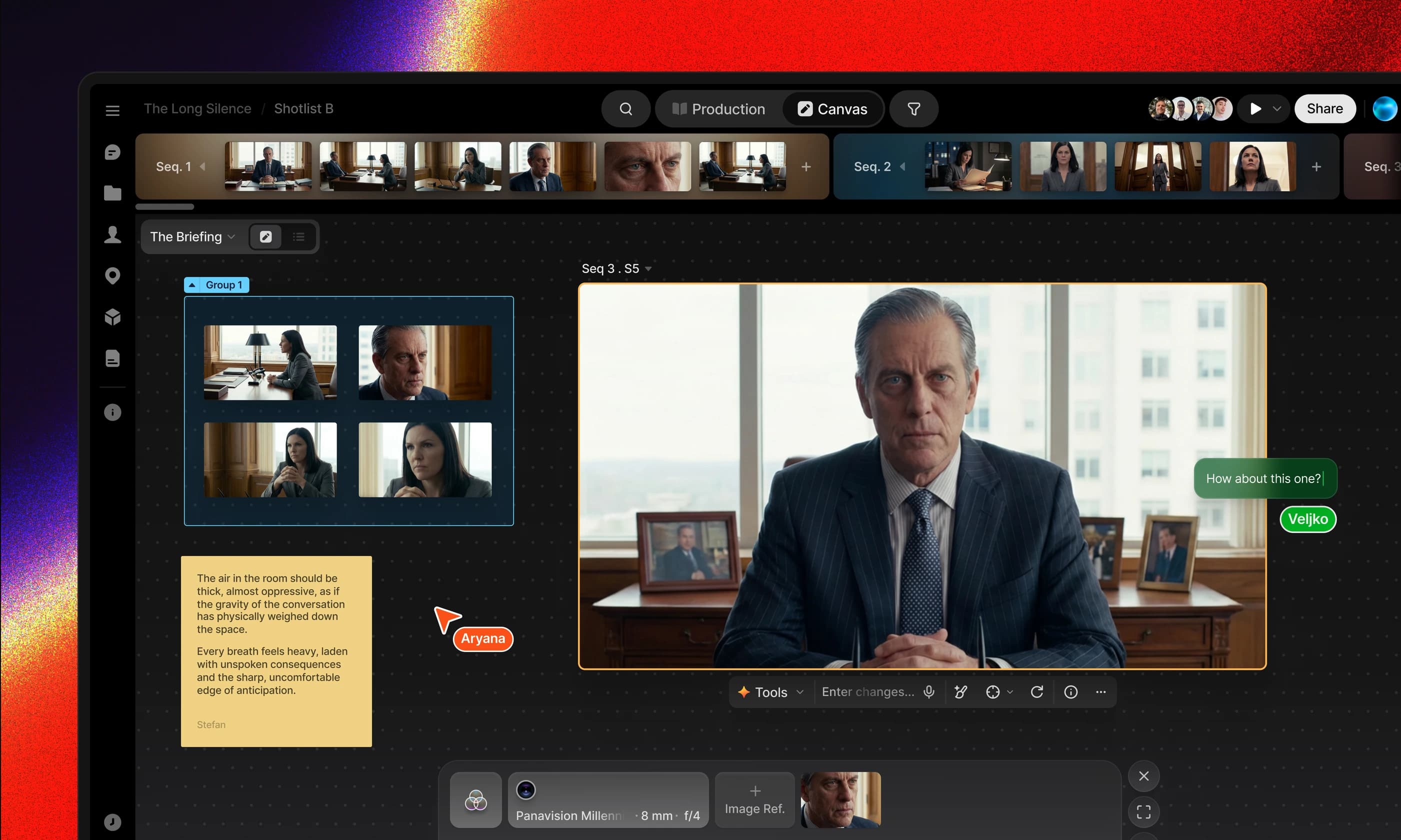
Chaos for the Artist.Order for the Director.
An infinite canvas where references, takes, and scenes live side by side. The whole team works on the same surface, in real time: arrange shots, compare versions, let the story find its shape together. Creative work is non-linear. Your workspace should be too.

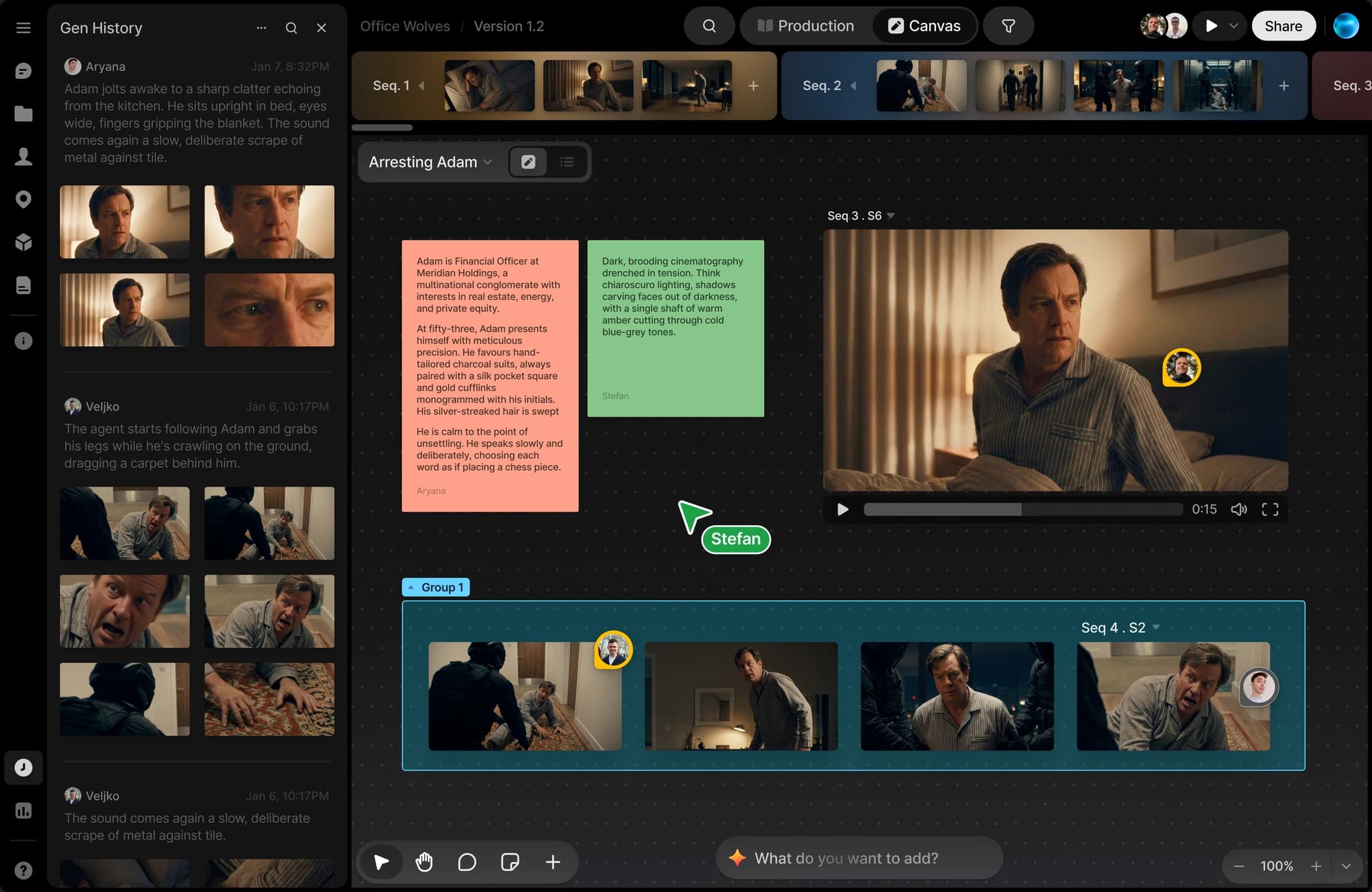
Write or import your script, then break it down: scenes, characters, and locations become structure the whole workspace understands. When the script changes, production knows. Every shot traces back to the page.
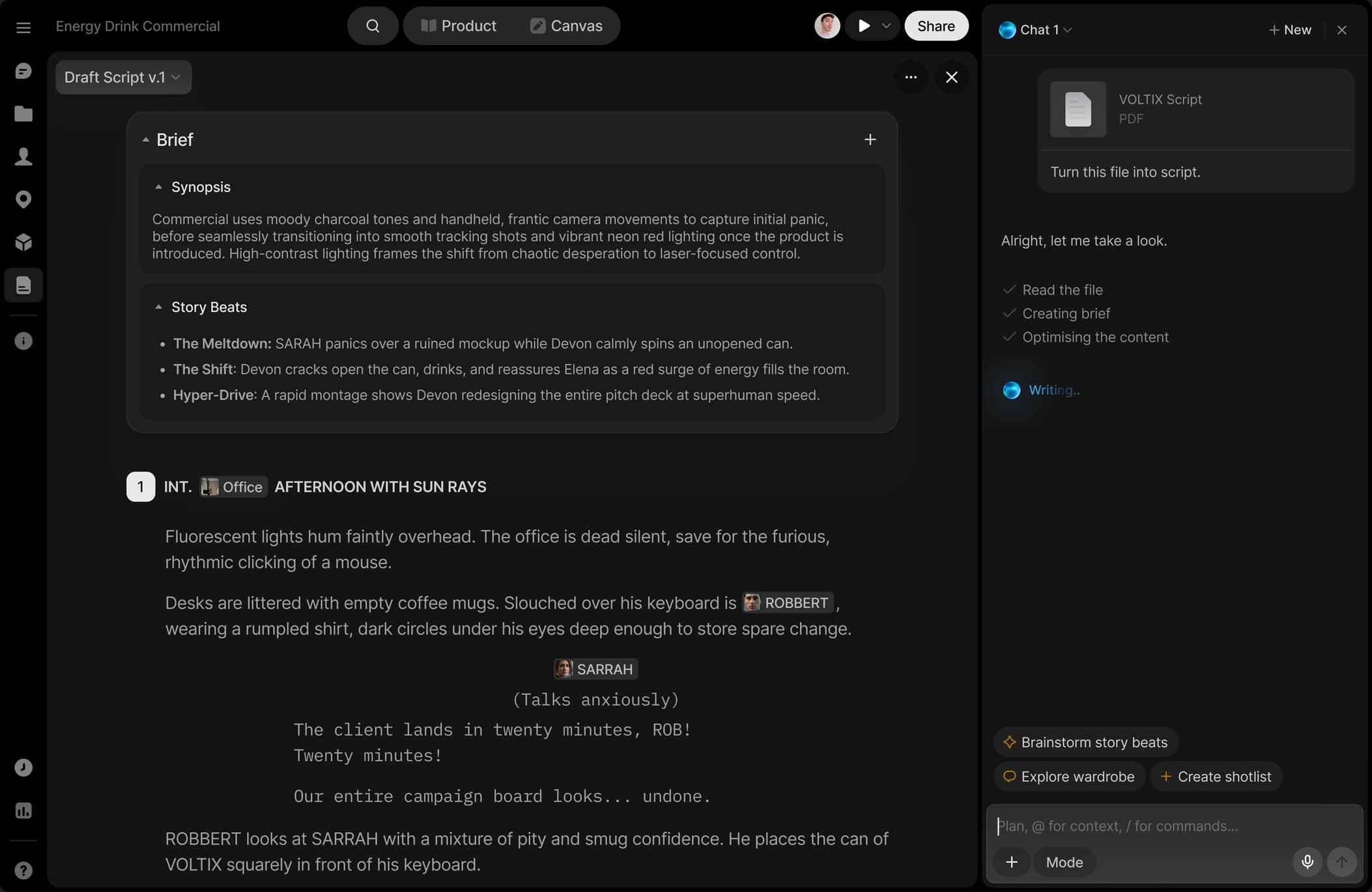
Plan coverage, assign owners, track each shot from board to final. Tag takes, filter selects, see status at a glance. No more spreadsheets taped to the side of your pipeline. Structure that protects the story.
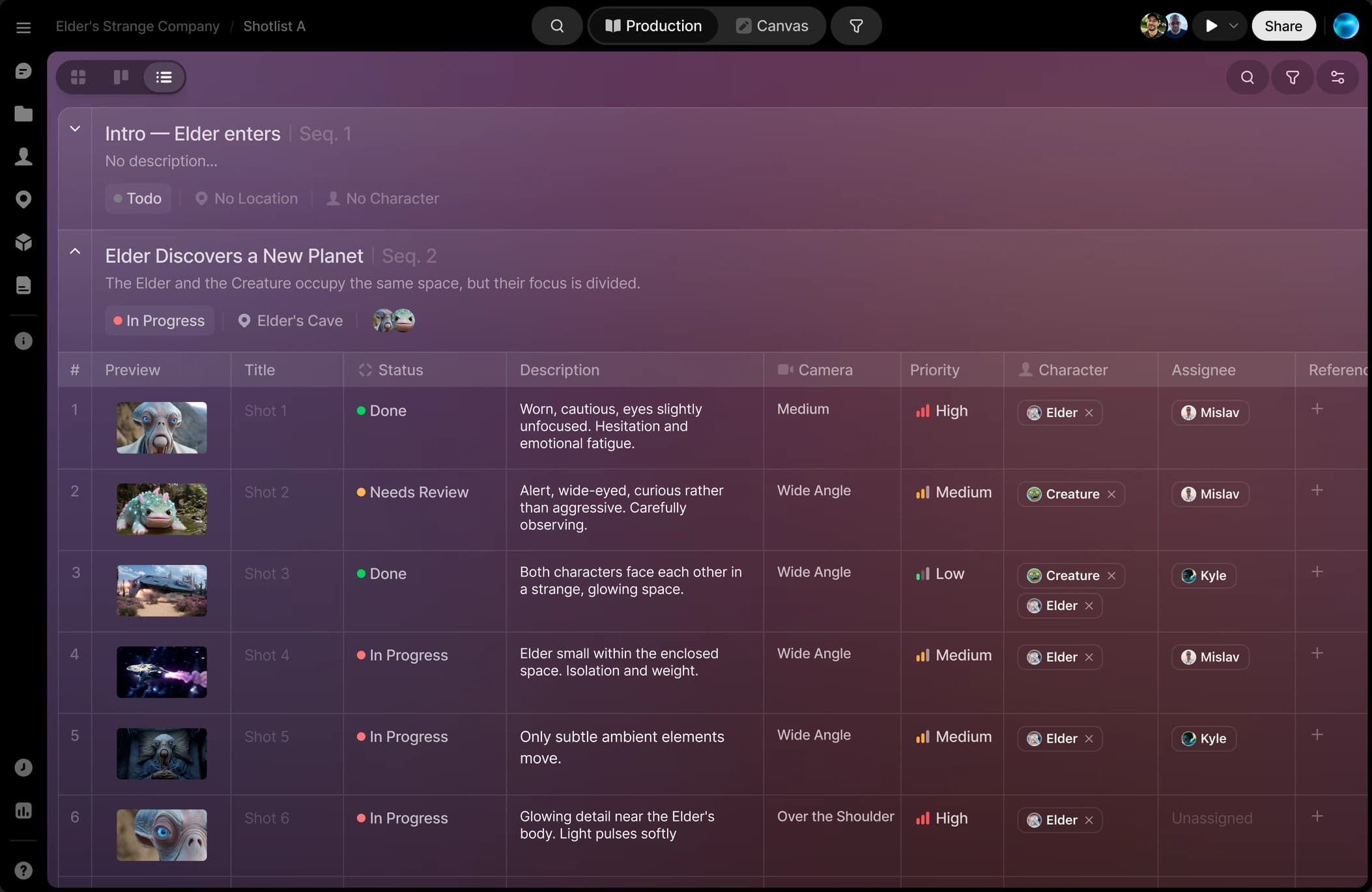
Run frontier image and video models side by side: same references, same settings, no tab-hopping. Every take lands in your workspace, versioned and ready for review. You direct. The models execute.
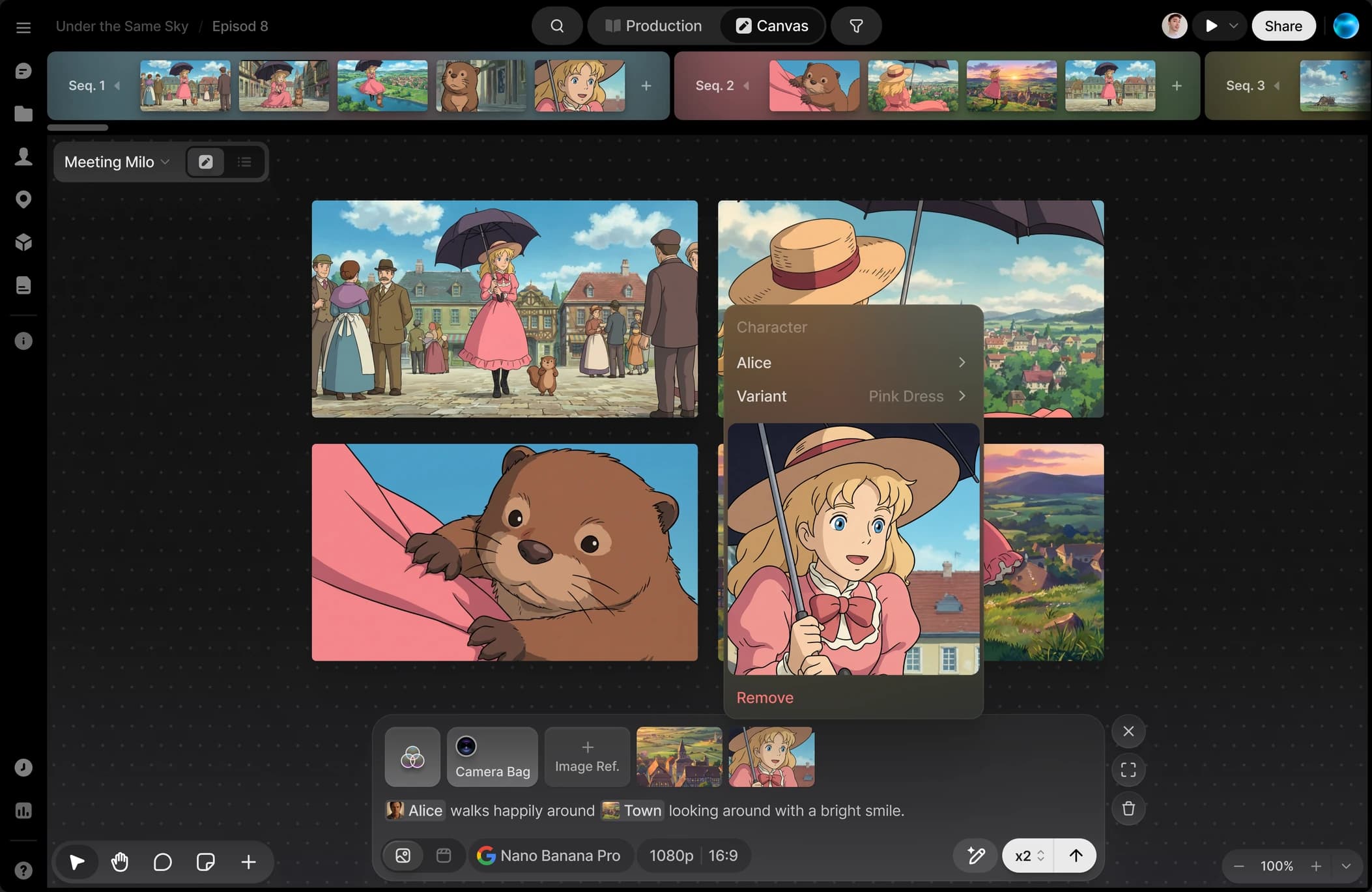
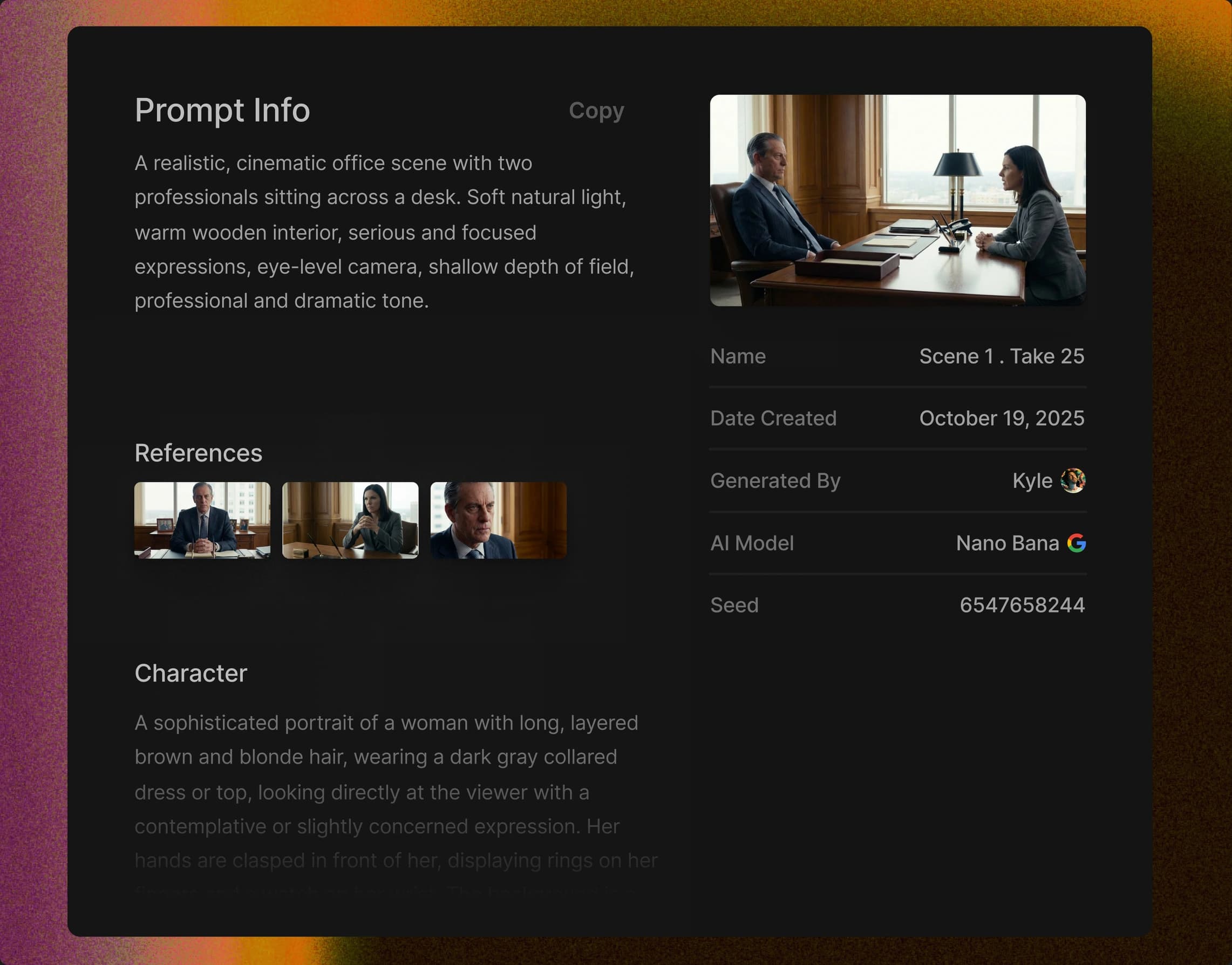
Every frame carries a verifiable record: who generated it, with which model, at which settings. The full history travels with the work, from first take to final delivery. When clients ask how it was made, the answer is on record.
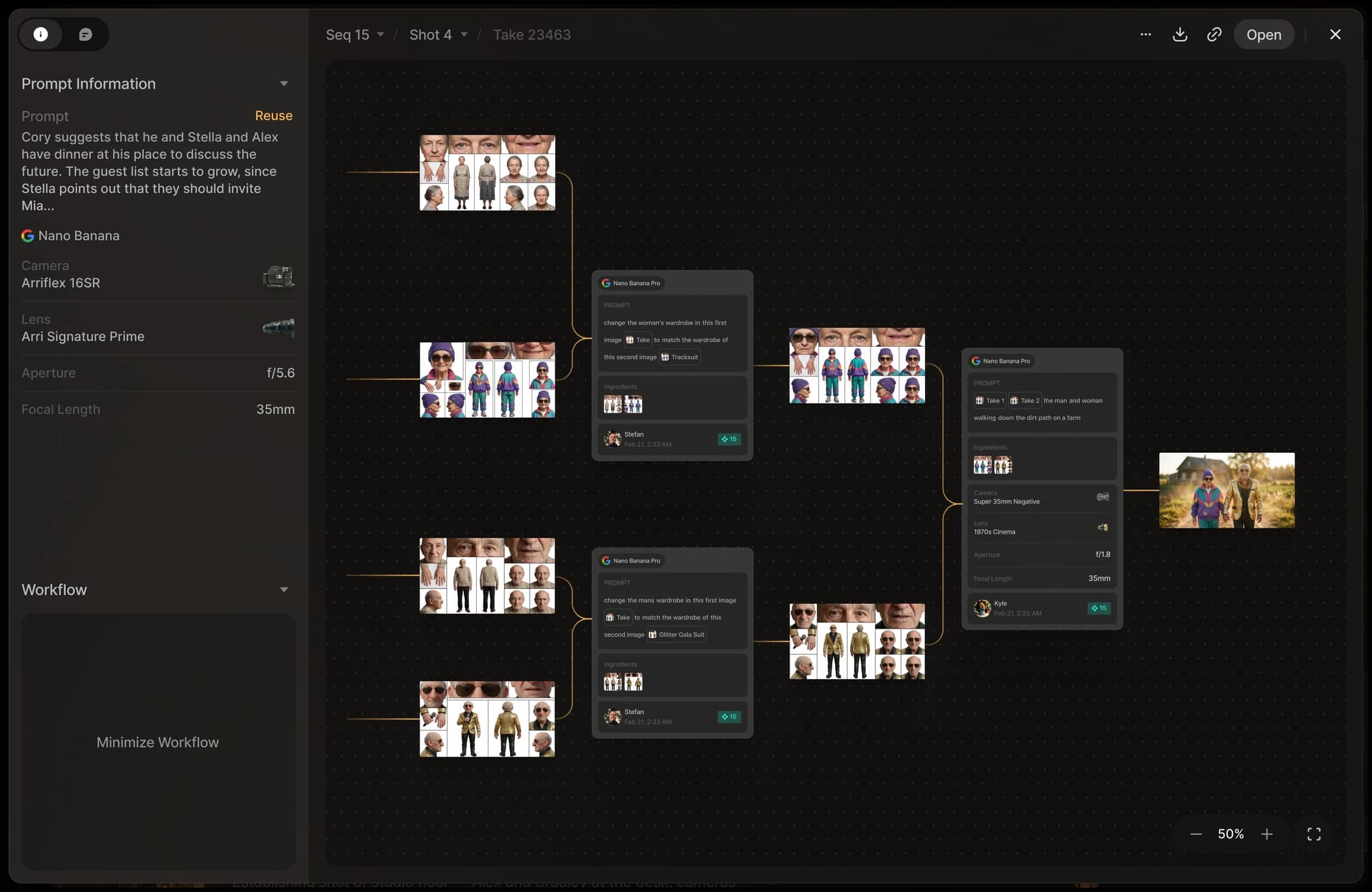
Build your world.Keep it consistent.
Define characters, locations, and props once.Reference them instantly in any prompt across your project.
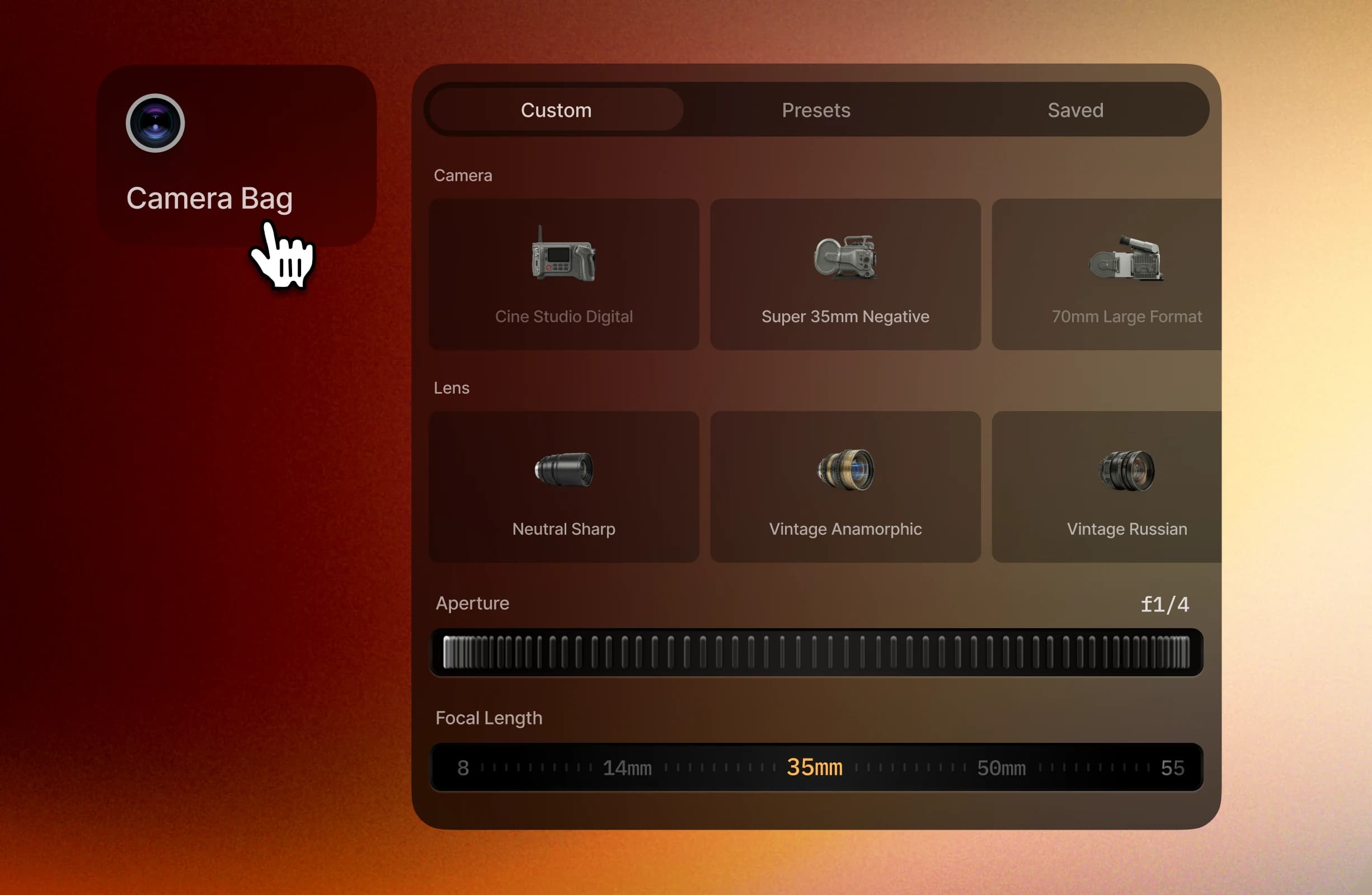
Brand every shot with your unique style.
The Camera Bag lets you combine lenses, cameras, film stock and more to define a consistent look.
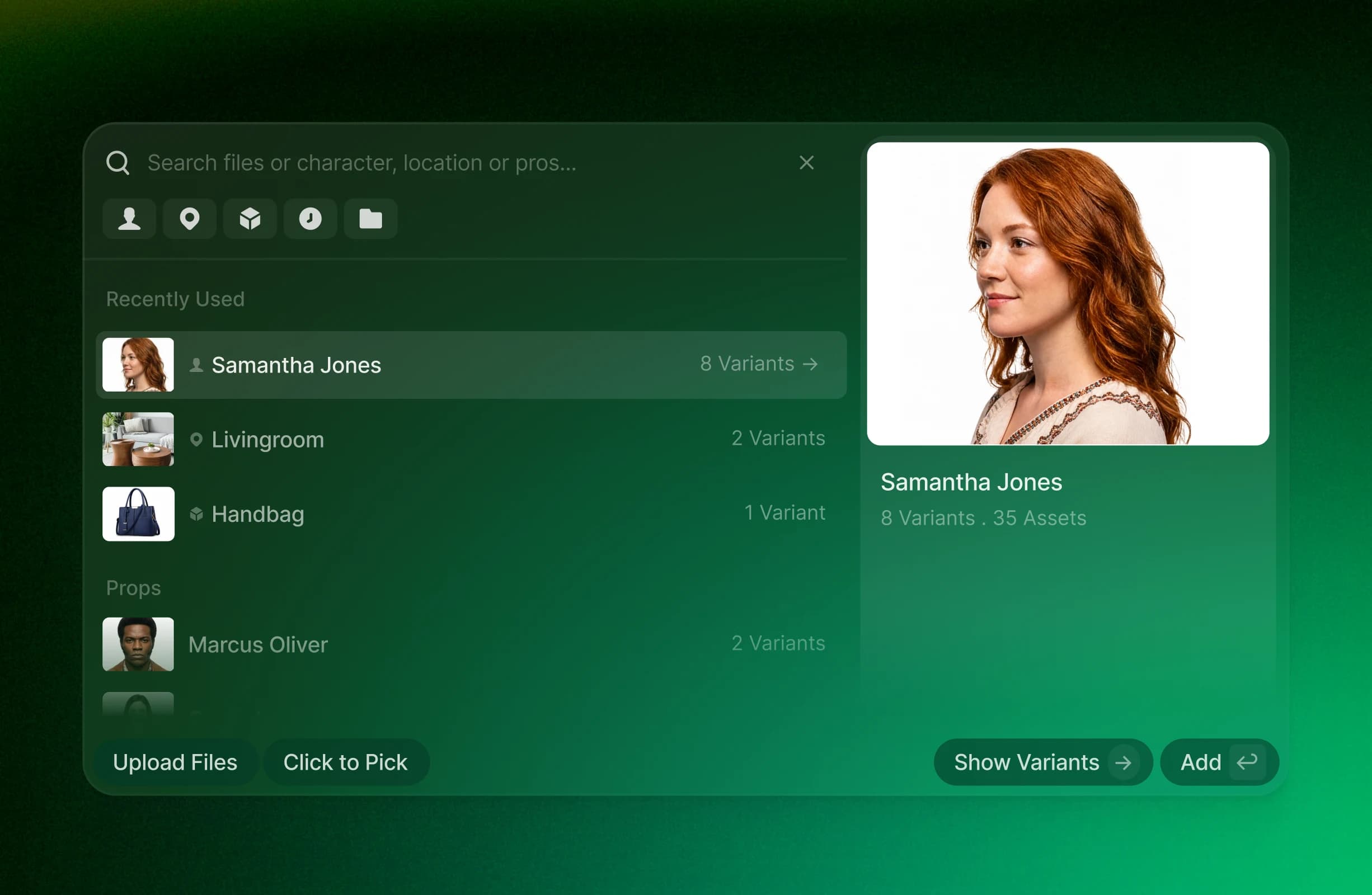
Save custom characters, locations and props.
Call on saved assets in your prompt using @ for easy and reliable consistency.
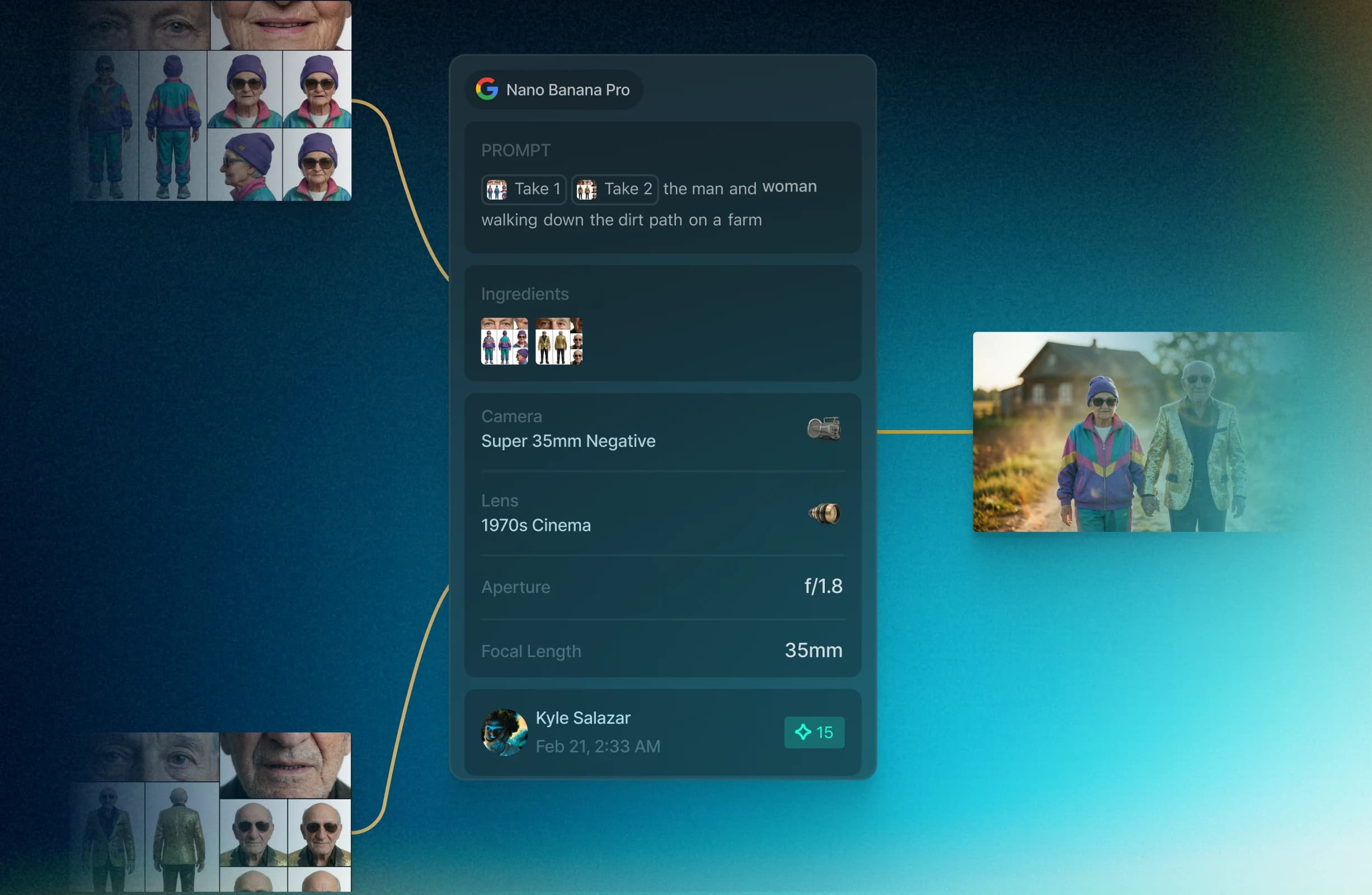
Recreate any workflow.
Track assets, prompts, models, credits, and comments across all users in your workspace.
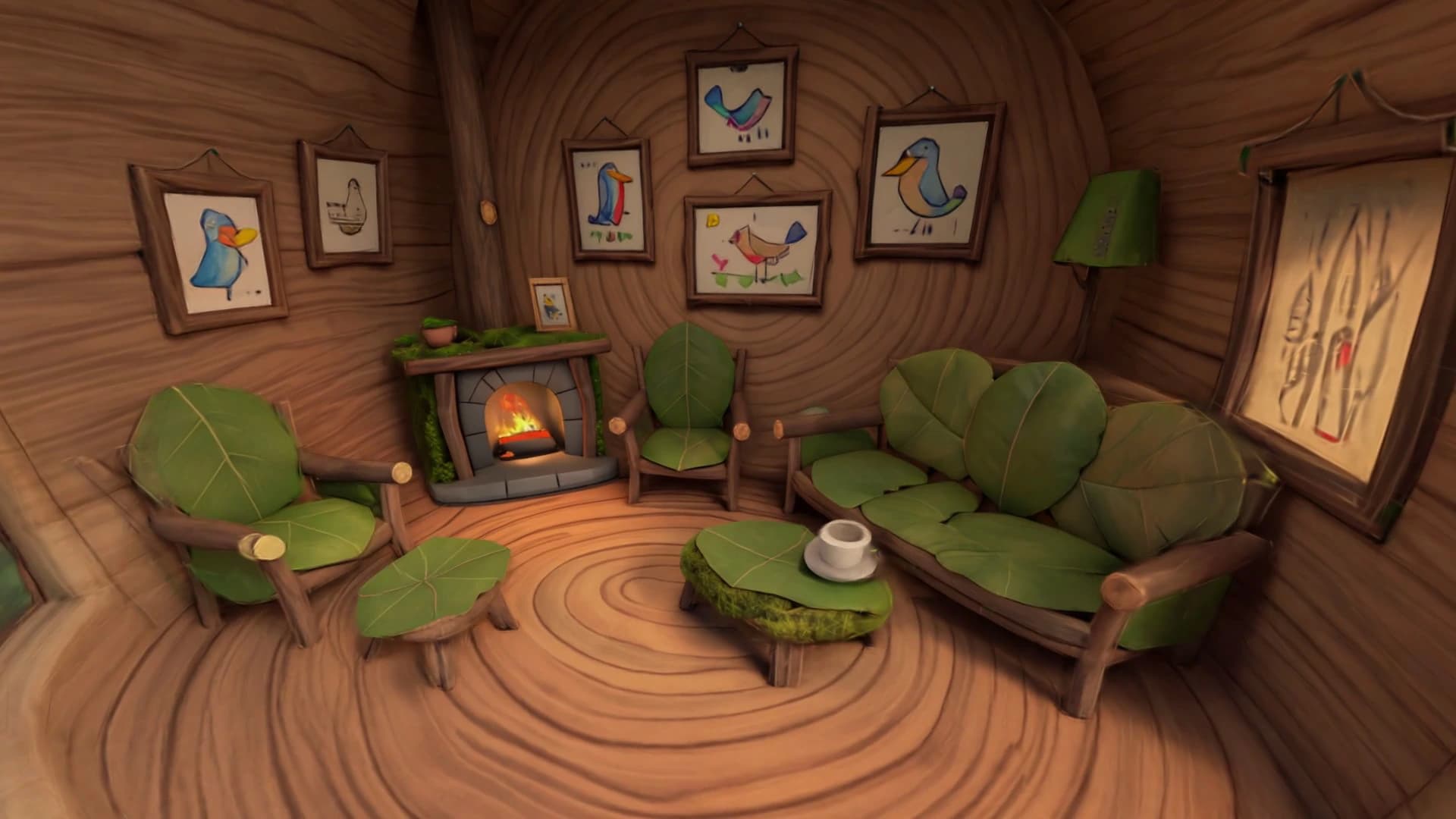
Direct like a real set.
Generate a location once. Enter it as a living, navigable space. Walk through your set, find the perfect camera position, capture the angle with precision. No more “close enough” — get the exact shot you envisioned.




The agentcovers it all for you

Preview agent, with the help of powerful AI models, helps you explore your creative direction with one single click.
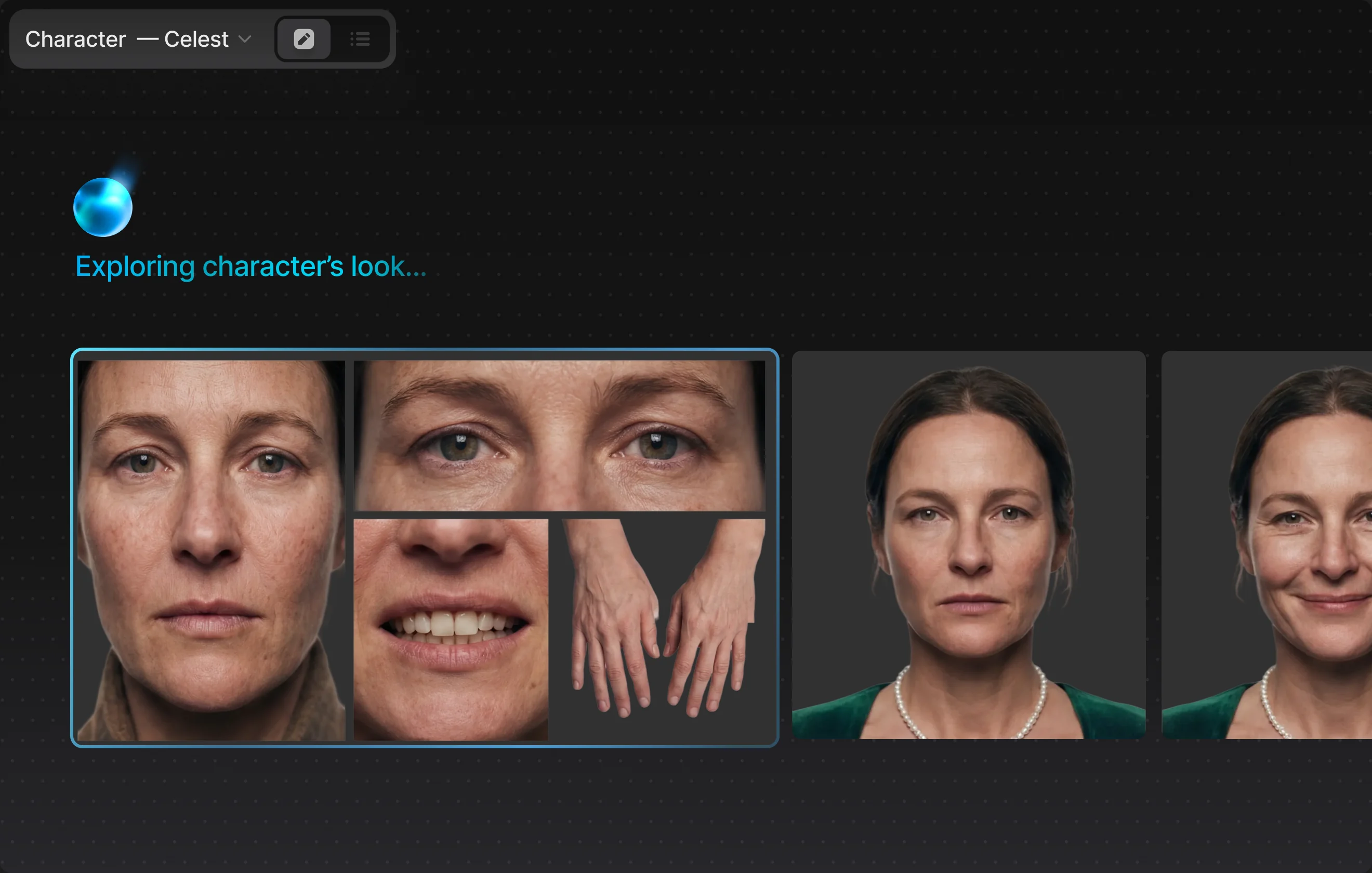
Riff on characters, locations, wardrobe, and tone before a single frame exists. The agent builds out options and pulls references as you think out loud, expanding the world without deciding it. Explore wide and keep what’s true to the vision.
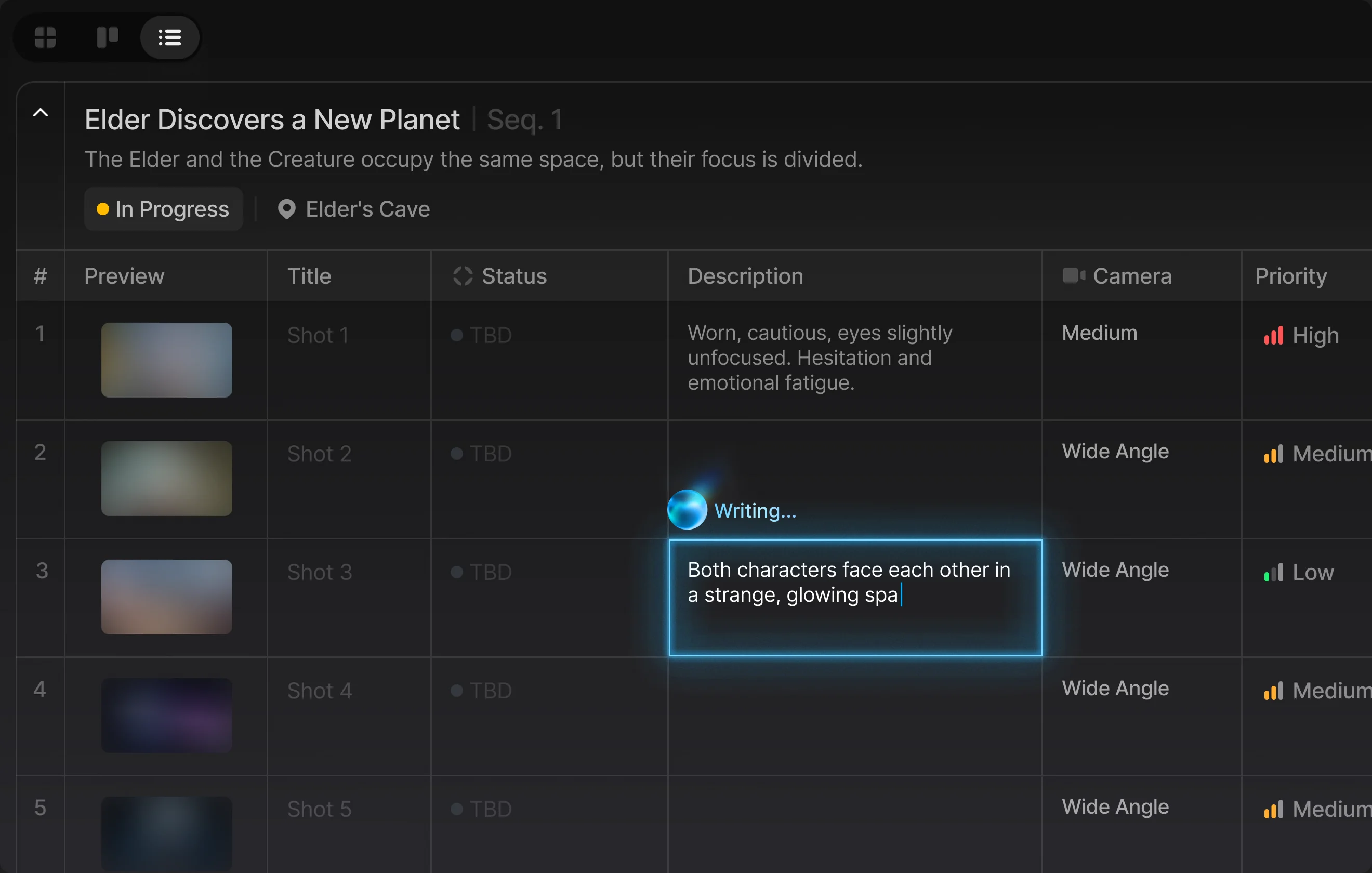
Hand over a script and the agent breaks it down: scenes, characters, locations, coverage. A structured shot list in minutes, built to be overruled. You rework the plan; it keeps the paperwork in sync.
For every shot, the agent drafts the prompt and recommends the model best suited to the job, written in your project’s language with your references attached. Edit and approve before it runs, or let it fly and review after. Either way, the taste stays yours.
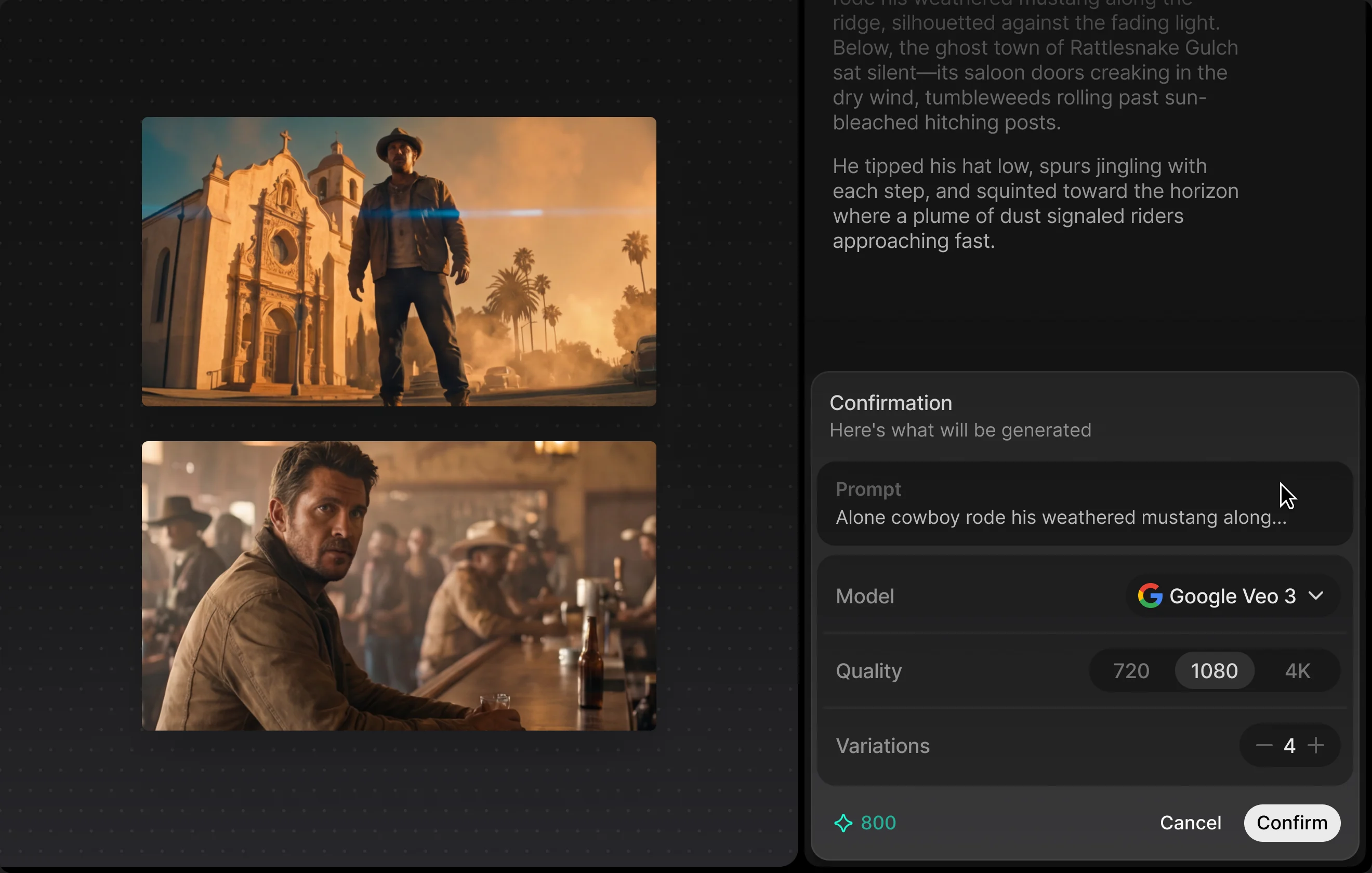
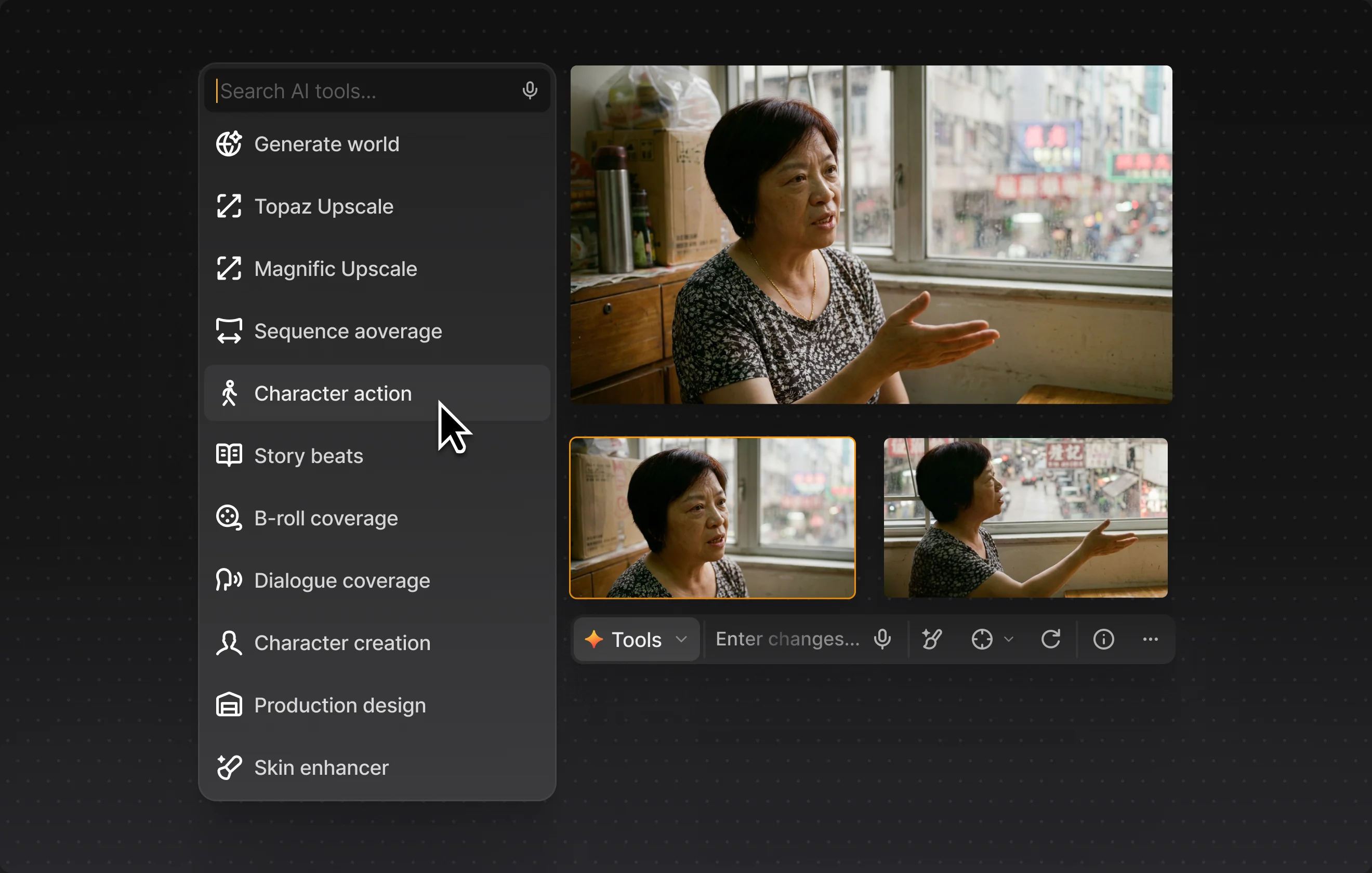
Generate B-roll, alternates, and full coverage with your style guides and character bibles as source of truth. Explore shot ideas visually, run variations, carry what works forward. When a frame drifts, the agent flags it and you decide what’s canon.
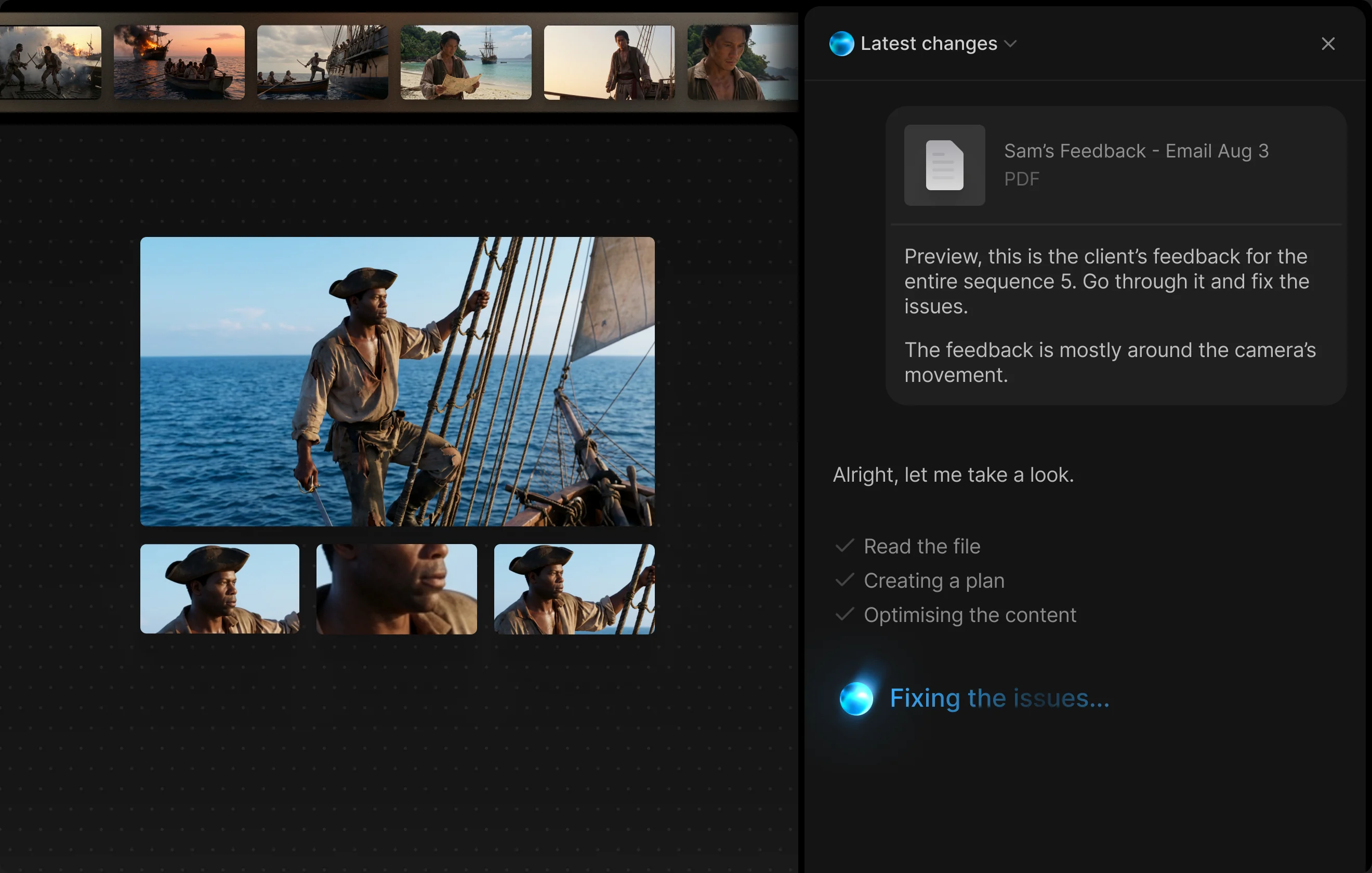
Paste client notes and the agent maps each one to the affected shots, drafts the changes, and stages them for review. Approve, adjust, or overrule, shot by shot.
Whether you’re creating a 30-second luxury campaign or a 90-minute feature film, Preview gives you the collaborative infrastructure to manage complex creative projects from concept to final approval.

Your work stays yours. Period.
Enterprise-grade security and controls that scale with your organization.

Zero data retention
We don’t store, analyze, or train on your content. Your prompts, generations, and assets remain yours.

SOC 2 Type II Ready
Enterprise-grade security controls in place, with full compliance documentation and regular audits.

ISO 27001
An information security management system audited end to end, and recertified on a fixed schedule.
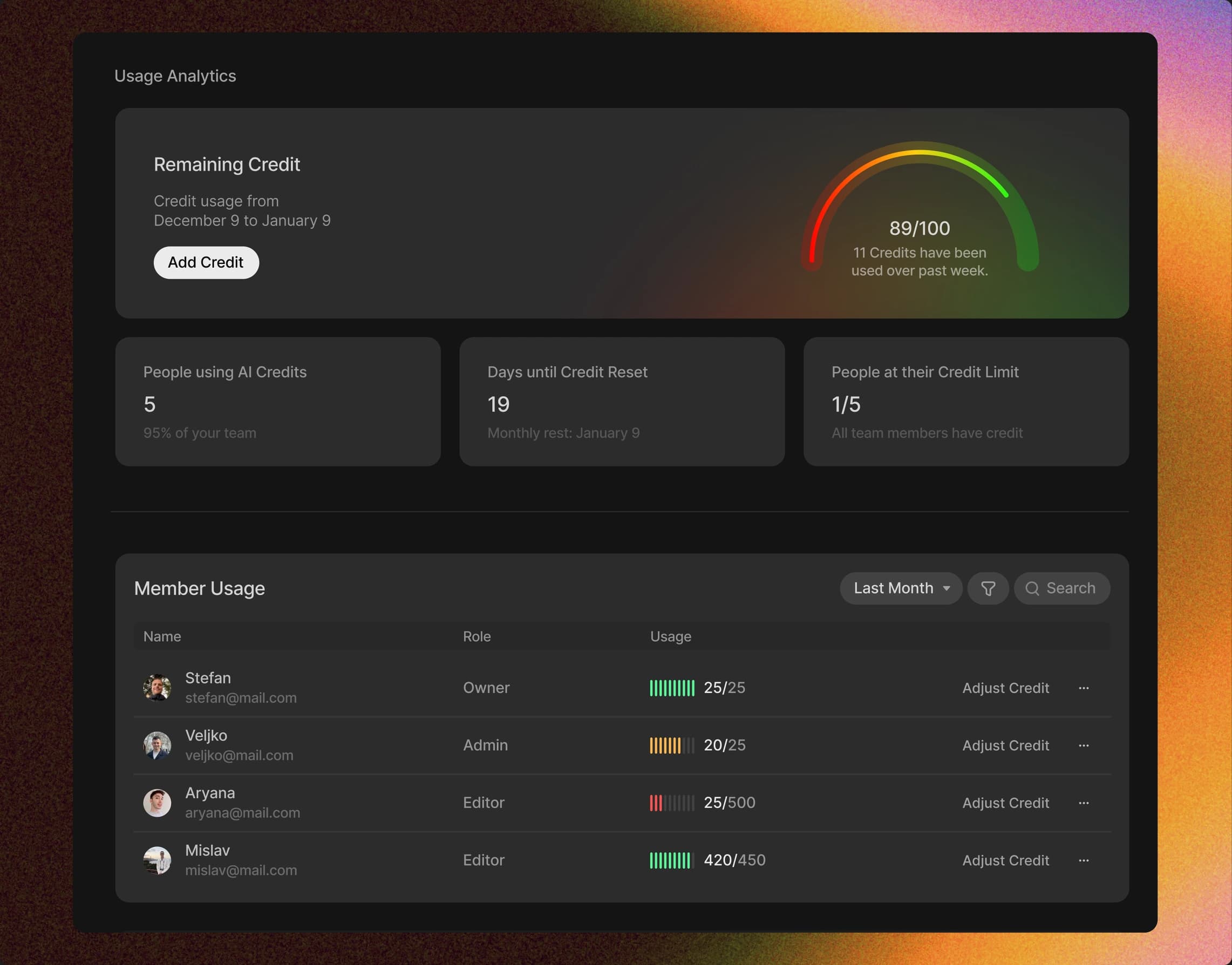
Controls that scale with your organization
See who generated what, how much of the plan it used, and where the budget is going — broken down by project, by person, and by week.
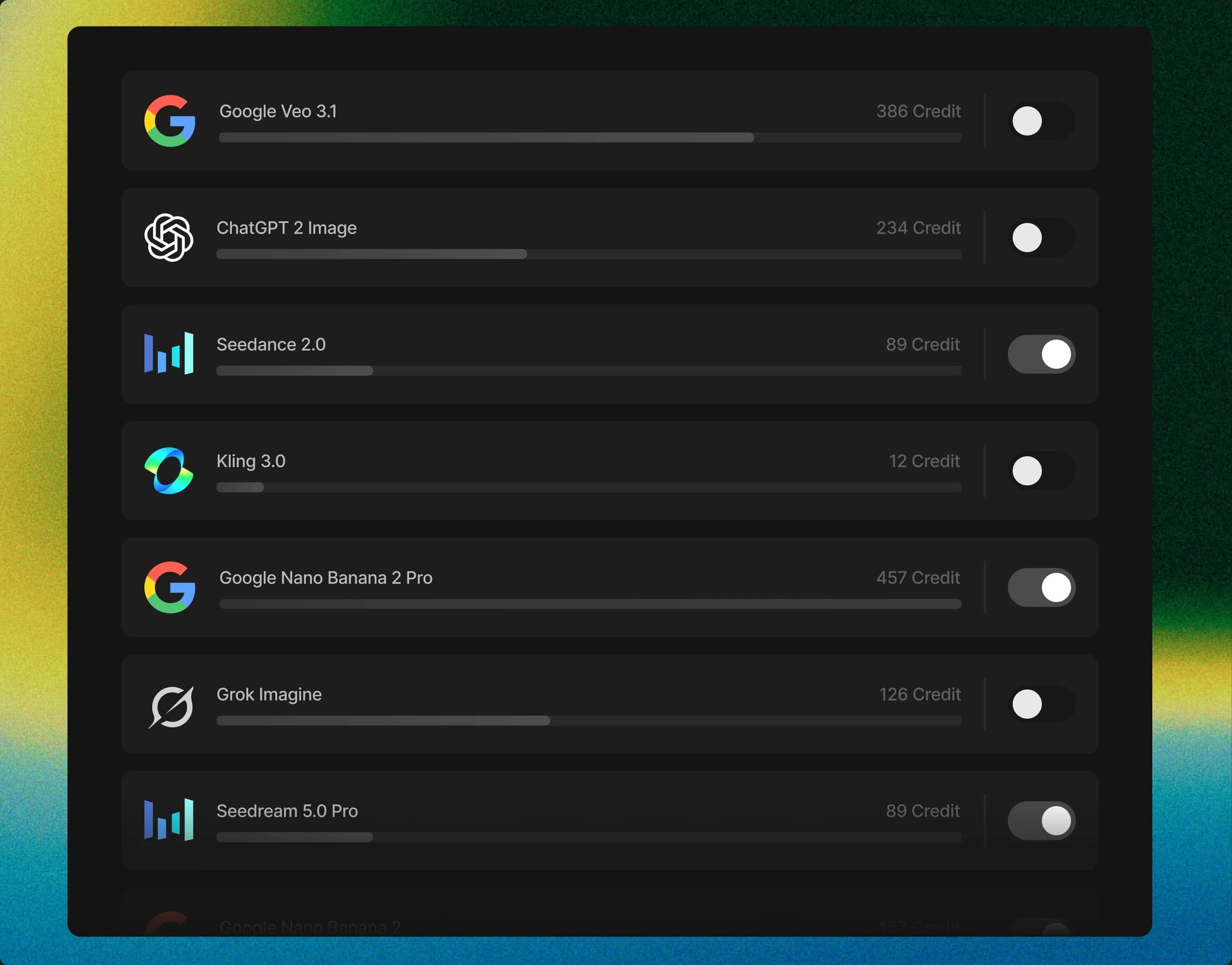
Decide which models your organization can reach, and which of them a given project is allowed to spend its credits on, before it does.
Every generation, edit, and approval logged with who did it and when, and exportable the moment a compliance review asks you for it.
Frequently asked questions
Preview is for studios, filmmakers, and creative teams making commercials, short films, and features, whether AI-native or hybrid. It supports work from first concept to final assets.
Preview brings leading AI video models and their supported capabilities into one workspace. New models are added as they launch.
Save characters, locations, props, and styles once, then reuse them across your project. This keeps shots visually aligned as the work evolves.
Invite your team, share work with clients, and keep feedback in context with public or private comments, tags, and per-shot approvals.
Preview does not train on your prompts, assets, or generations, and follows a zero data-retention policy. We’re SOC 2 Type II ready.
Preview is credit-based with no subscription. Credits never expire, and each model run uses credits based on the model and capability.
Have more questions?
You can contact our sales team for further information.