
Annotate
- Review & sharing
- Canvas
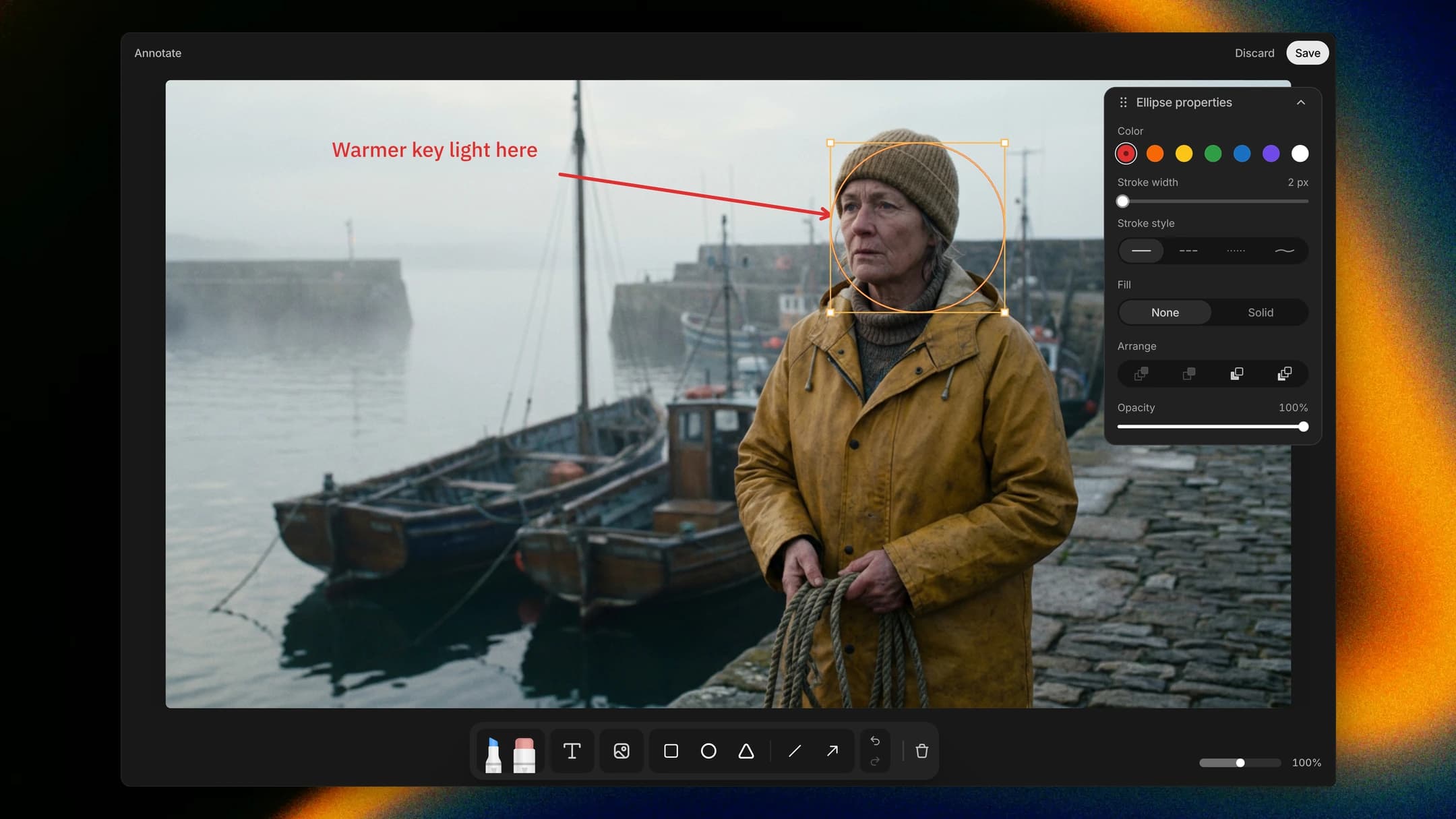
Some notes are easier to draw than to write, like "warmer key light here" with an arrow to the face. Open the take in Annotate and sketch, type and place reference images right on the frame. Saving puts it beside the original as a new take, with every mark still editable.
How to find it
Right-click an image take on the canvas and choose Annotate, the brush icon at the top of the menu.