
Click to pick in Annotate
- Review & sharing
- Assets
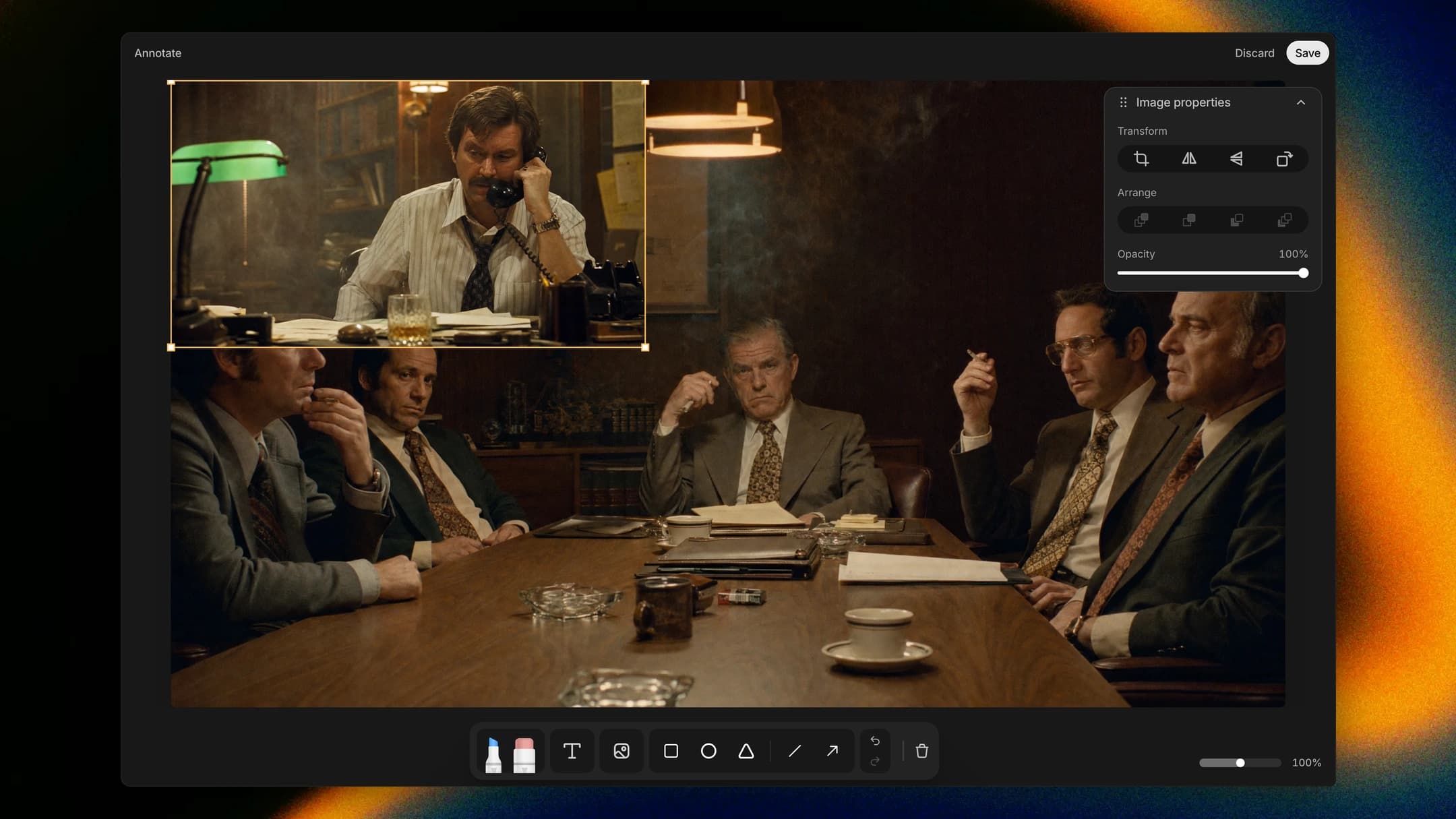
Want the lookdev still next to the frame you're marking up? In Annotate, choose Click to pick and click that still on the canvas or in the sidebar. It drops into your markup, and the canvas snaps back to where you were.
How to find it
Open a take in Annotate, open its image menu and choose Click to pick.