
Canvas text
- Canvas
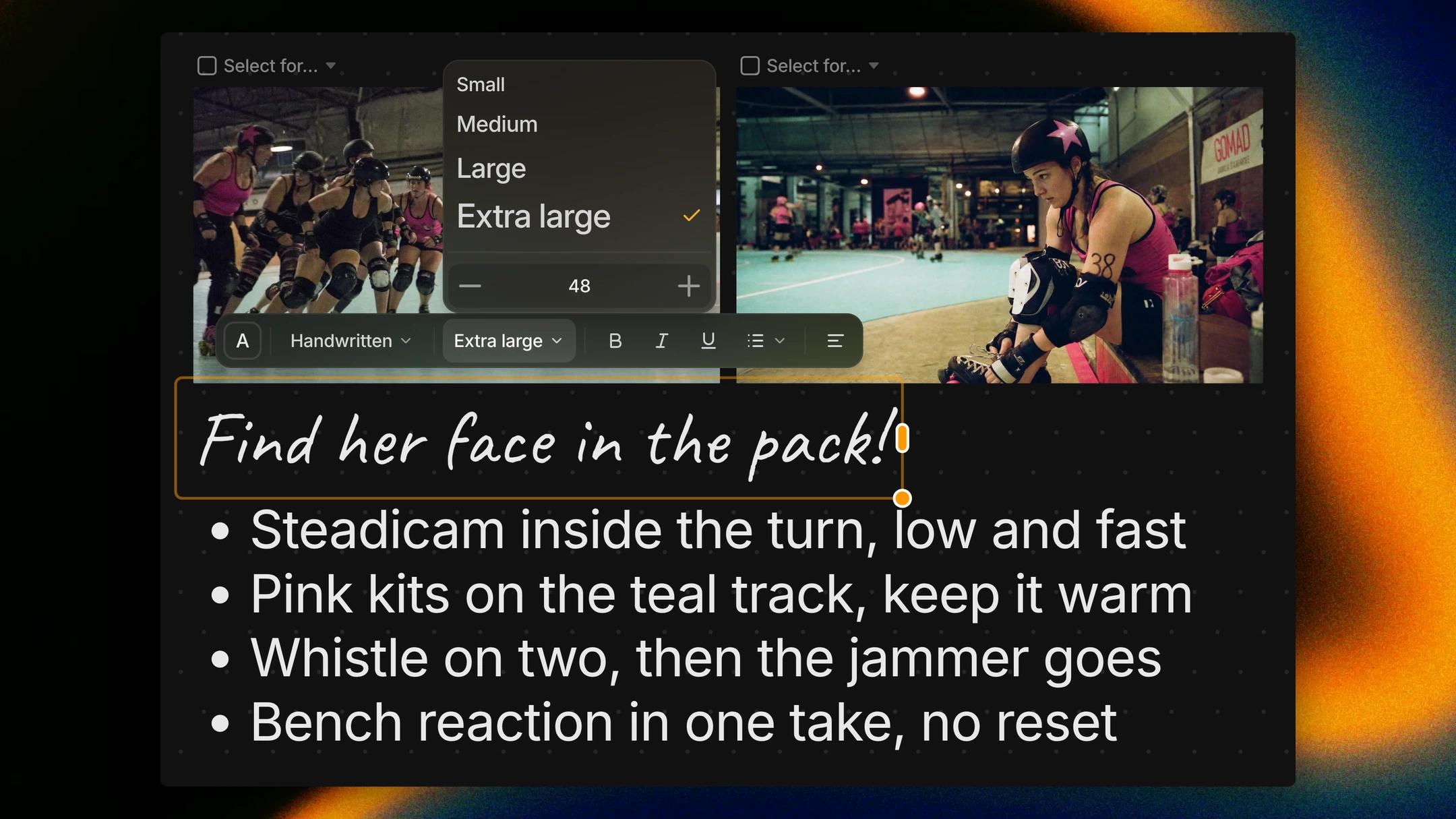
Shout the note at the board in Handwritten at Extra large, and list the shots under it in plain Regular bullets. The canvas has a Text tool now, on T. Click to place a line or drag to set its width, then pick Regular, Bookish, Typewriter or Handwritten, a size and a colour from the bar above it. Annotate uses the same bar, with highlight and lists.
How to find it
Press T on the canvas or pick the text tool in the toolbar, click to place text and choose a size from the Size menu above it.