
Files sort
- Assets
- Workspace
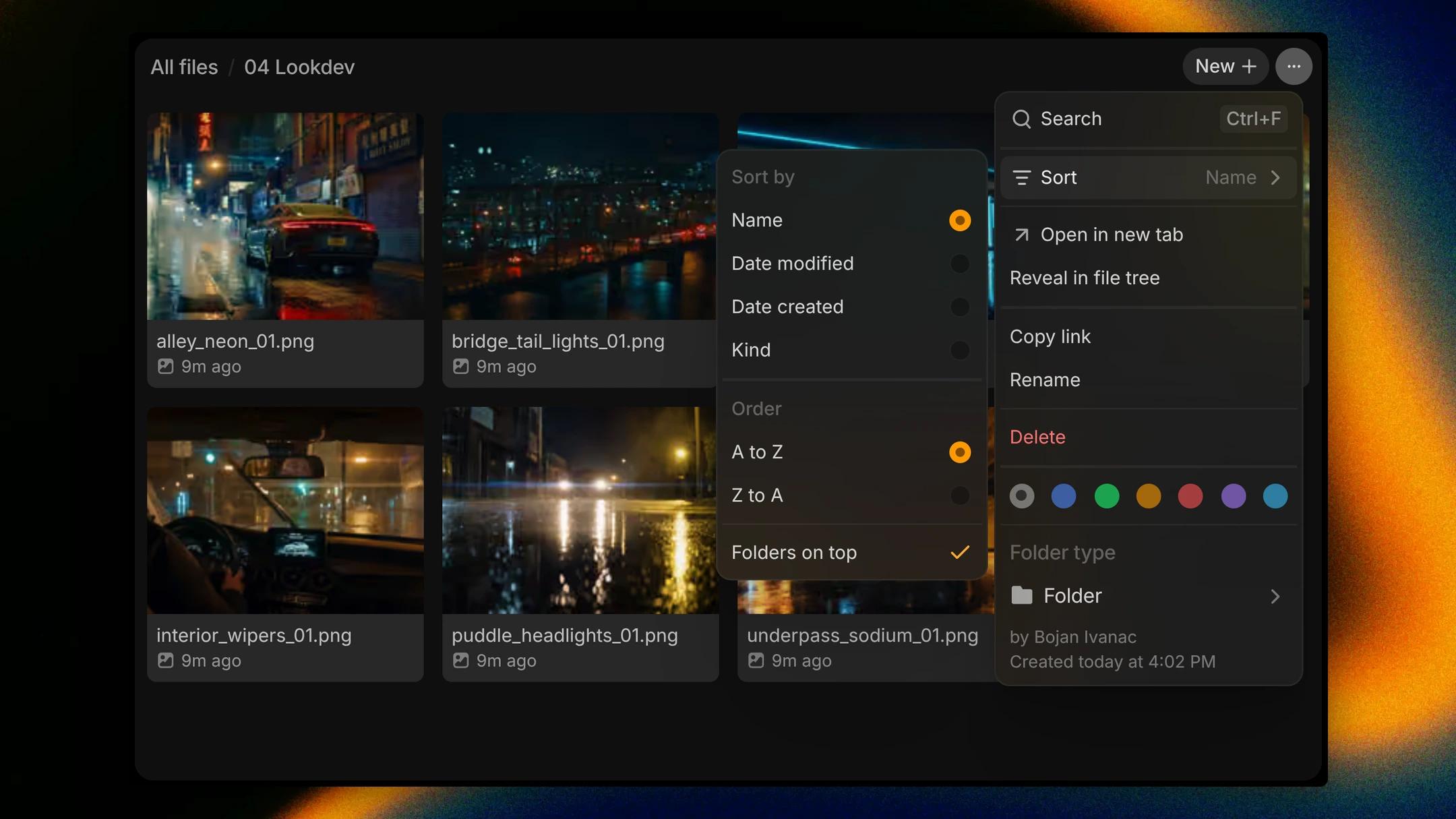
By Thursday the lookdev folder is full of rain-soaked stills, and the one the director asked about came in this morning. Sort in the Files More options menu now sets the field and the order separately: sort by Name, Date modified, Date created or Kind, then pick Newest first or Oldest first, A to Z or Z to A. Turn off Folders on top to sort folders and files as one list. The tree, the grid and folder pages all follow the same sort, and it stays the way you left it in every project you open.
How to find it
Open a folder, click More options at its top right and point to Sort.