
Multiple windows
- Workspace
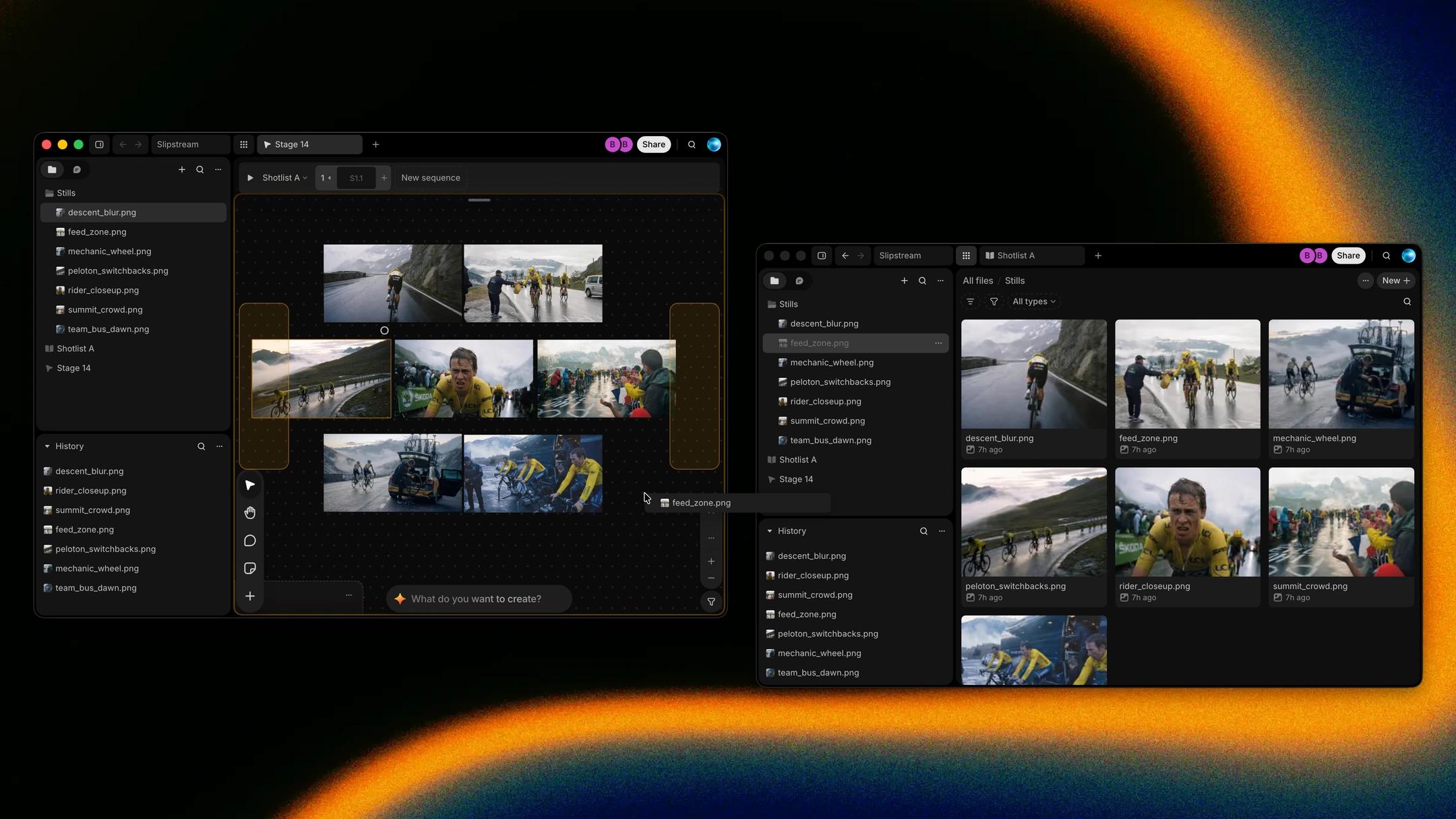
Keep the shotlist on one screen while you build the board on the other. In the desktop app, File › New window opens a window of its own with its own tabs, and Open project in new window opens the project you're in on All files. Right-click a tab and choose Move to window to send it to another window of the same project, or drag the tab across. Files, folders, takes and prompt chips drag between windows too. When you relaunch the app, every window you left open comes back with its tabs.
How to find it
In the desktop app, drag a file, take or tab from one window onto another.