
Split view
- Workspace
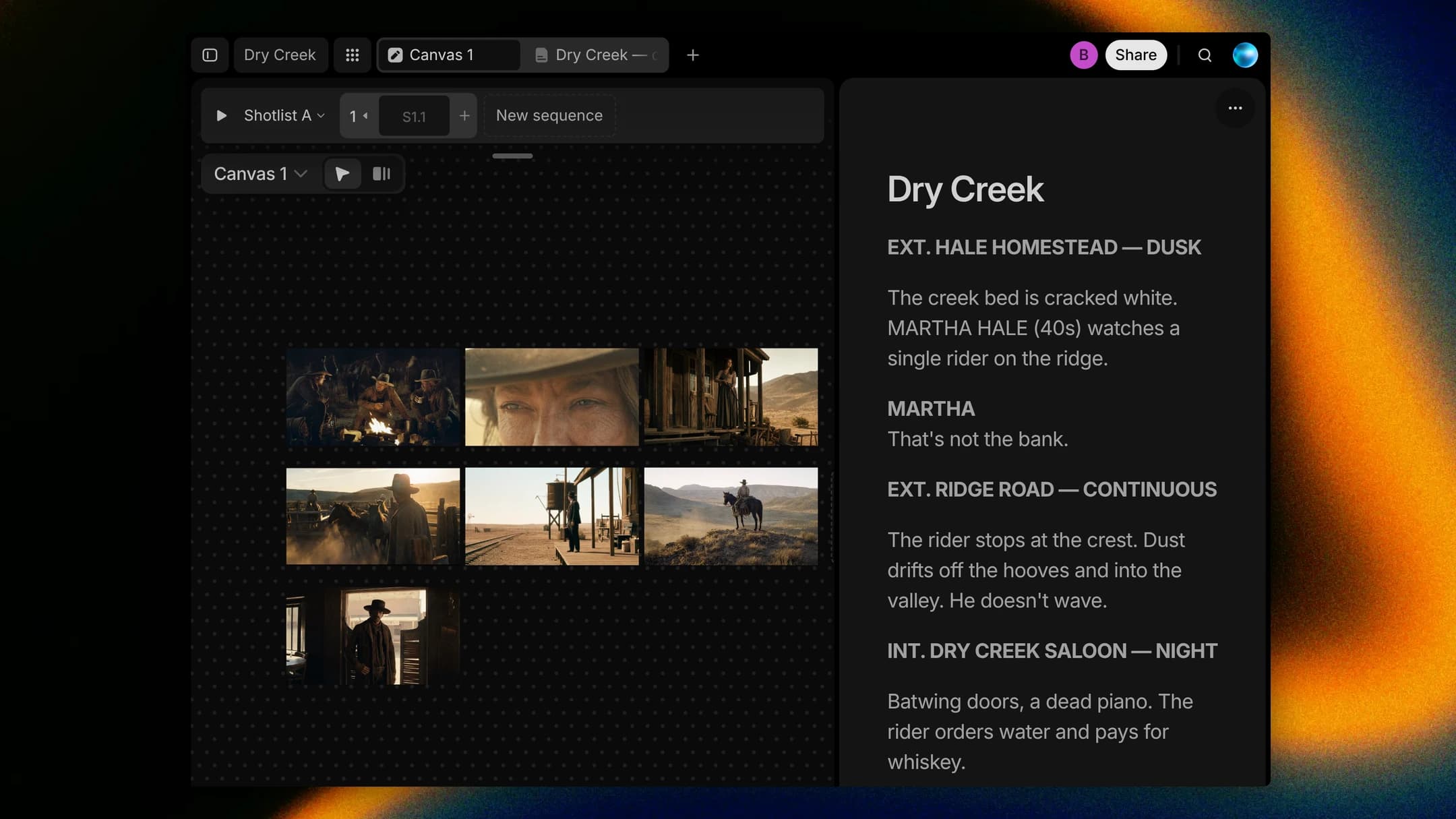
Read the scene while you build its board, without flipping between tabs. Drag a tab to the left or right edge of the workspace and the two documents sit side by side, each keeping its own edits and selection. Choose Show stacked to put one above the other, and drag the divider to give either side more room. Split view on the tab you're in opens the New Tab page beside it, so you can pick the second document from there.
How to find it
Drag a tab to the left or right edge of the workspace, or right-click a tab and choose Split view.